Switching Between Light and Dark Theme
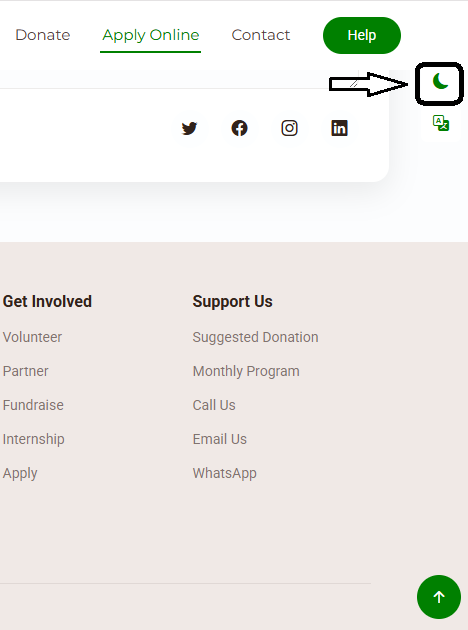
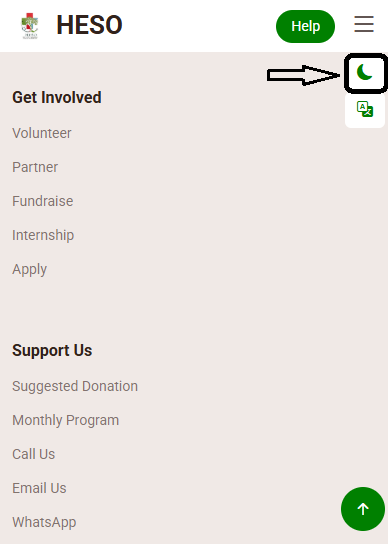
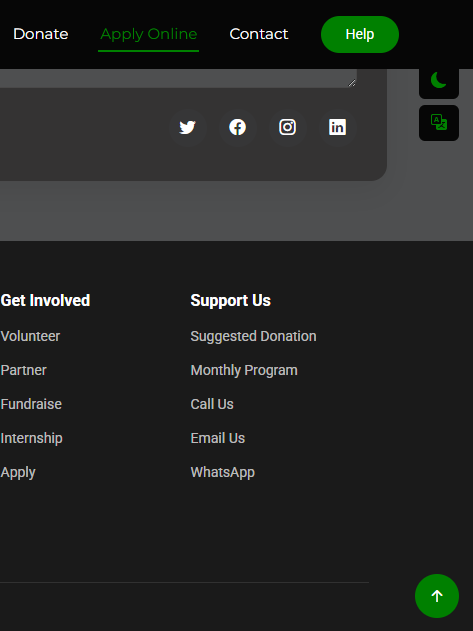
Personalize your experience by switching between light and dark modes. The theme toggle is an icon (sun for light mode, moon for dark mode) located in the top right corner of every page.
- Look for the sun/moon icon in the top right corner of the header.
- Click the icon to toggle.
- The entire interface will instantly switch to the opposite theme (light ↔ dark).
- Your preference is saved automatically for future visits.
Visual Examples:
Changing the Interface Language
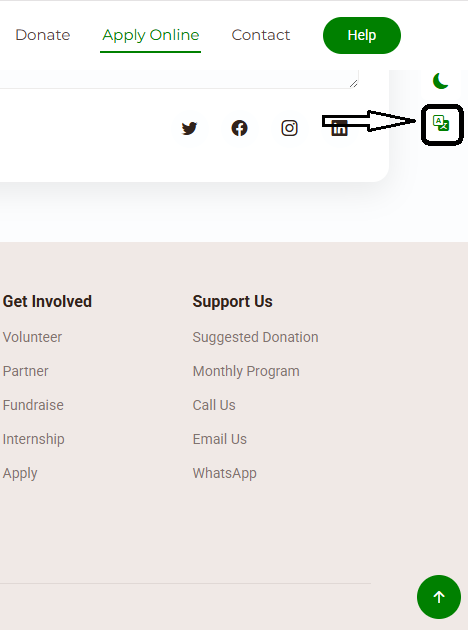
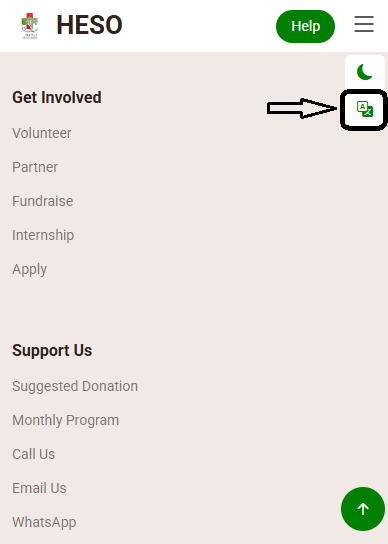
Select your preferred language easily. The language toggle is a "translate" icon located in the top right corner of every page (next to the theme icon).
- Locate the "translate" icon in the top right corner of the header.
- Click the "translate "icon to open the language selector dropdown.
- Choose your desired language from the list.
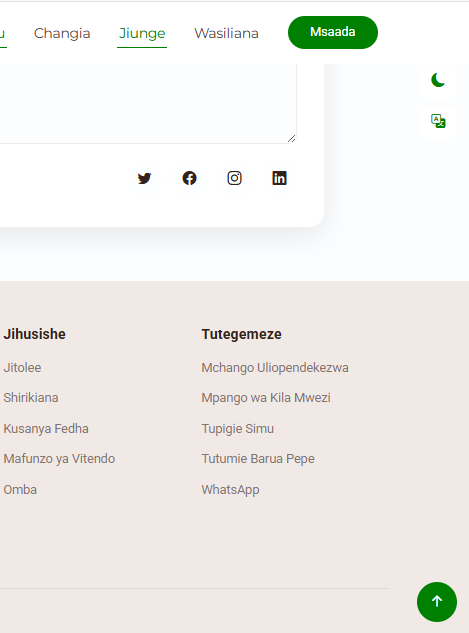
- The page will update instantly with the new language.
Visual Examples: